
Important Settings
Open the App and go to settings:
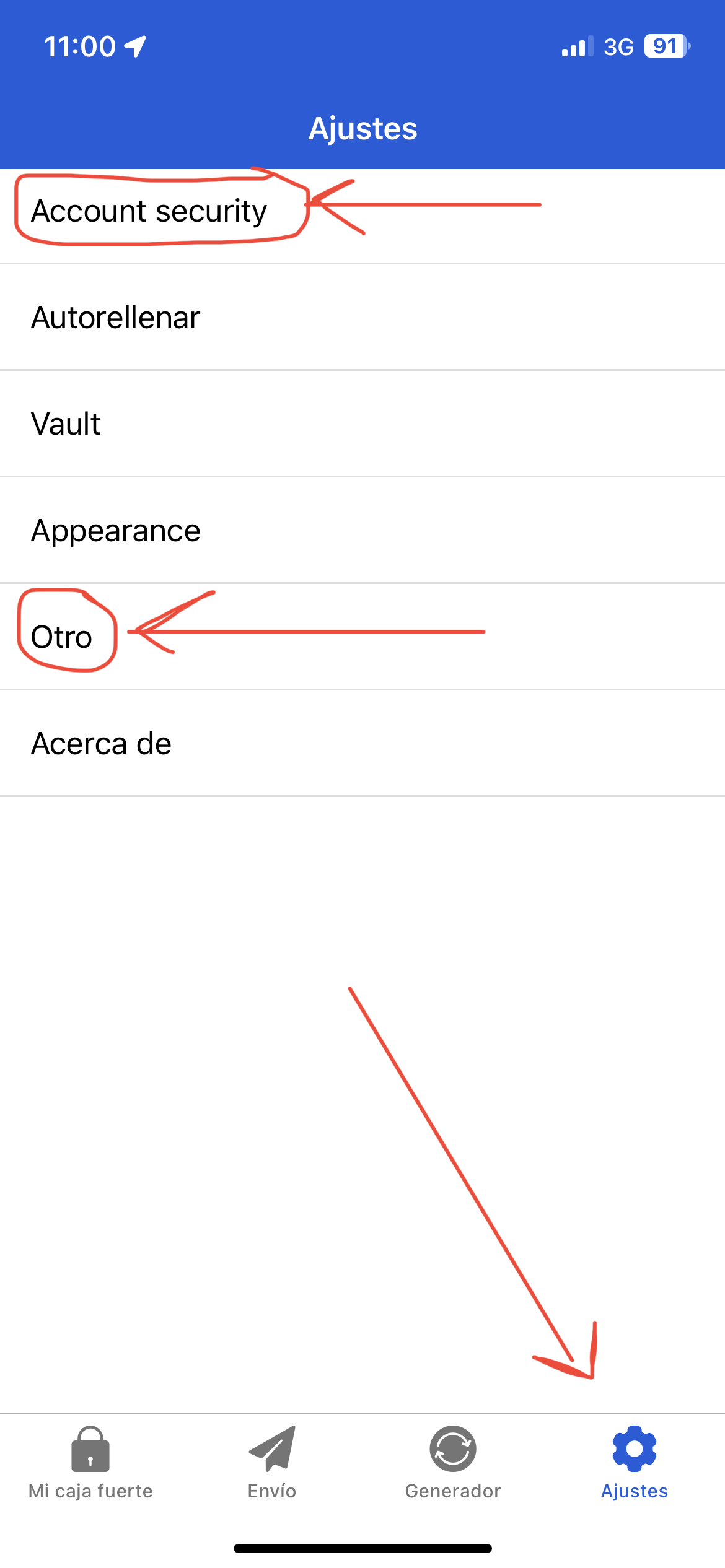
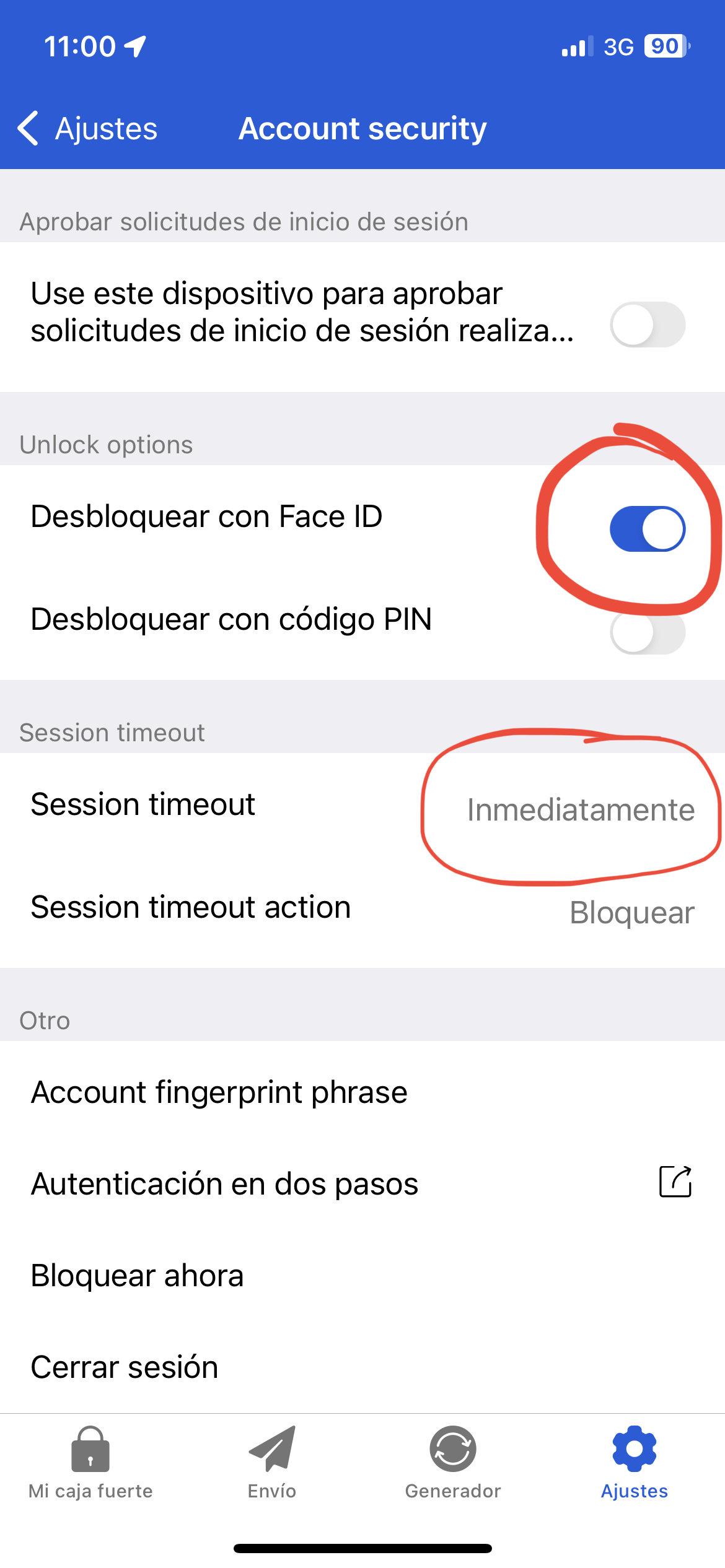
First, open the security“account sectionsecurity” options and configure the following:
Lastly, go into the settings again:
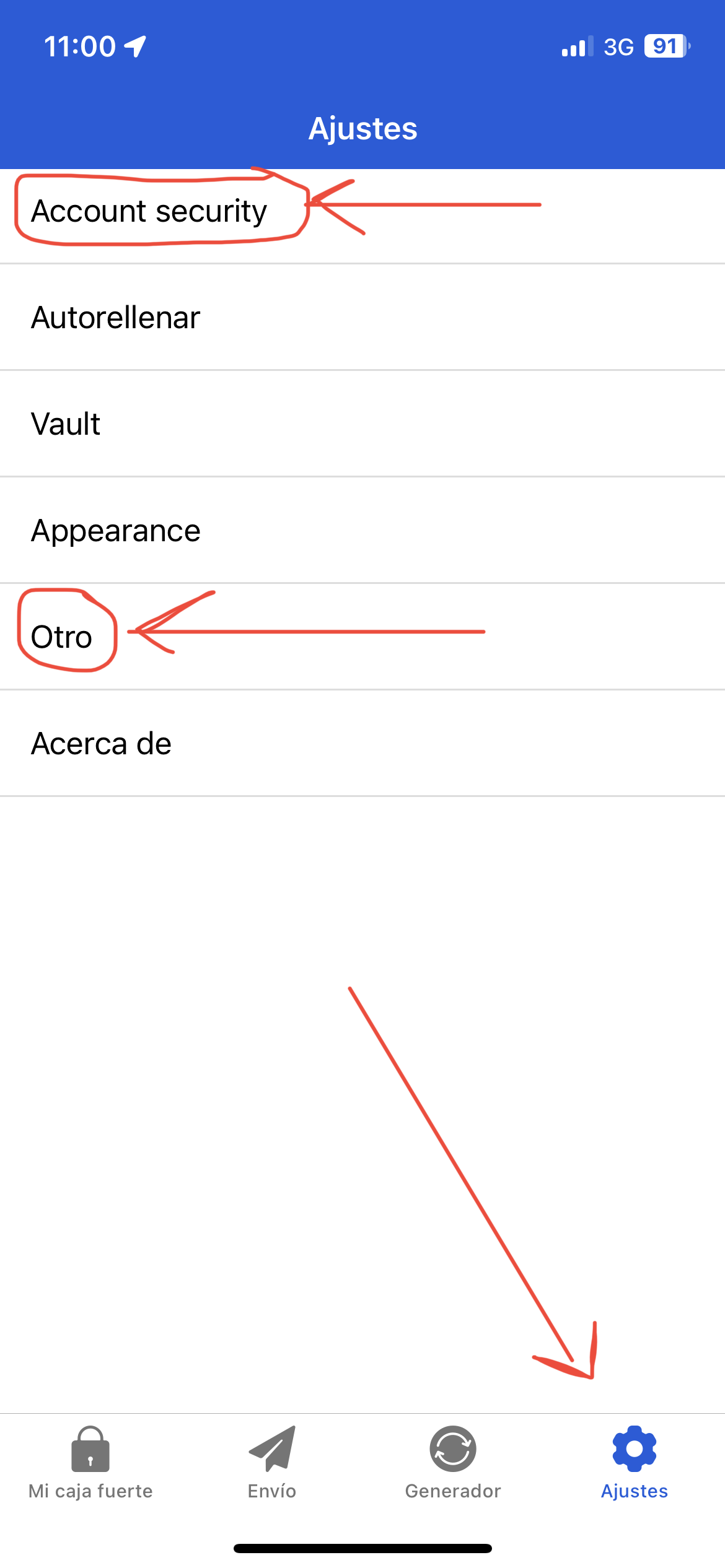
And configure the “other” sectionoptions as follocws:
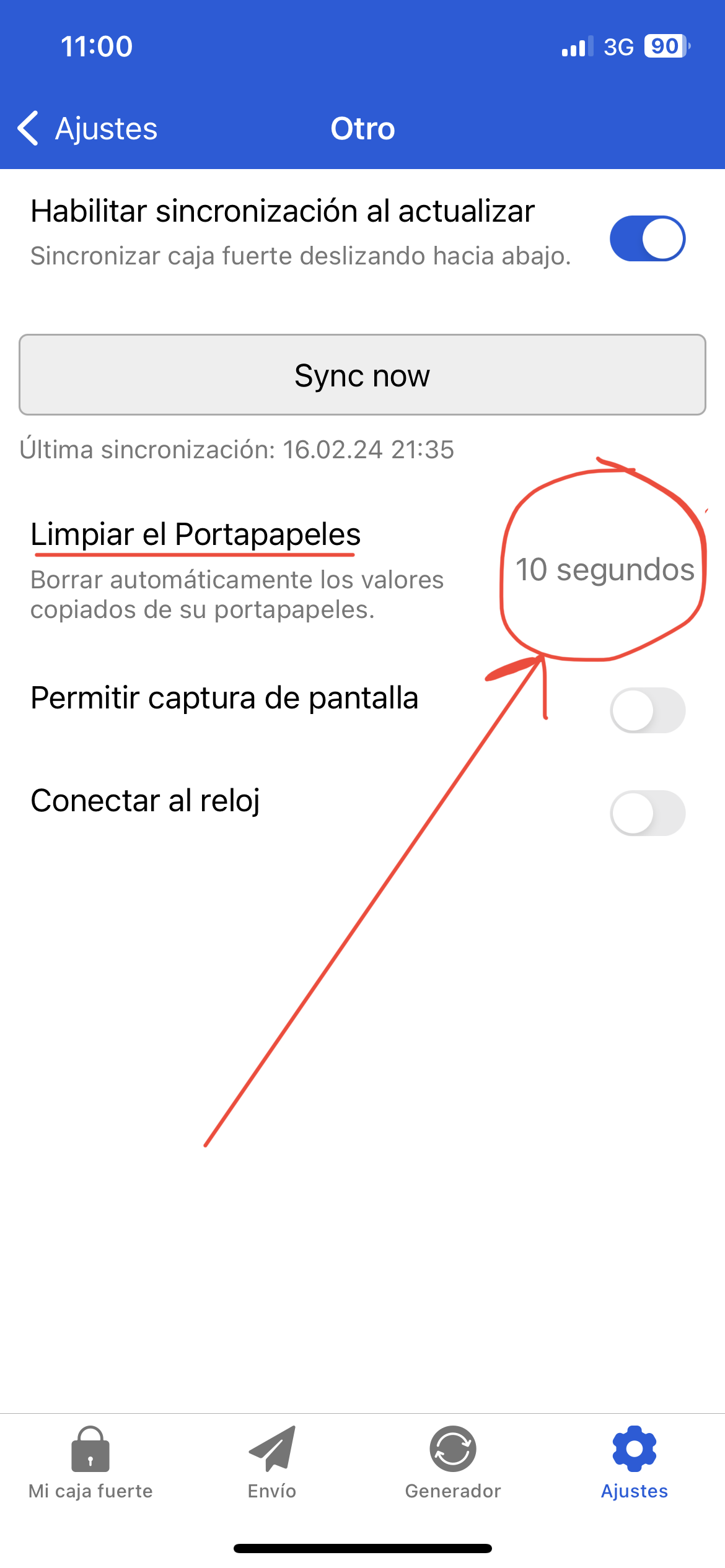
You can also set the number of seconds to a higher value (e.g. 30 seconds).