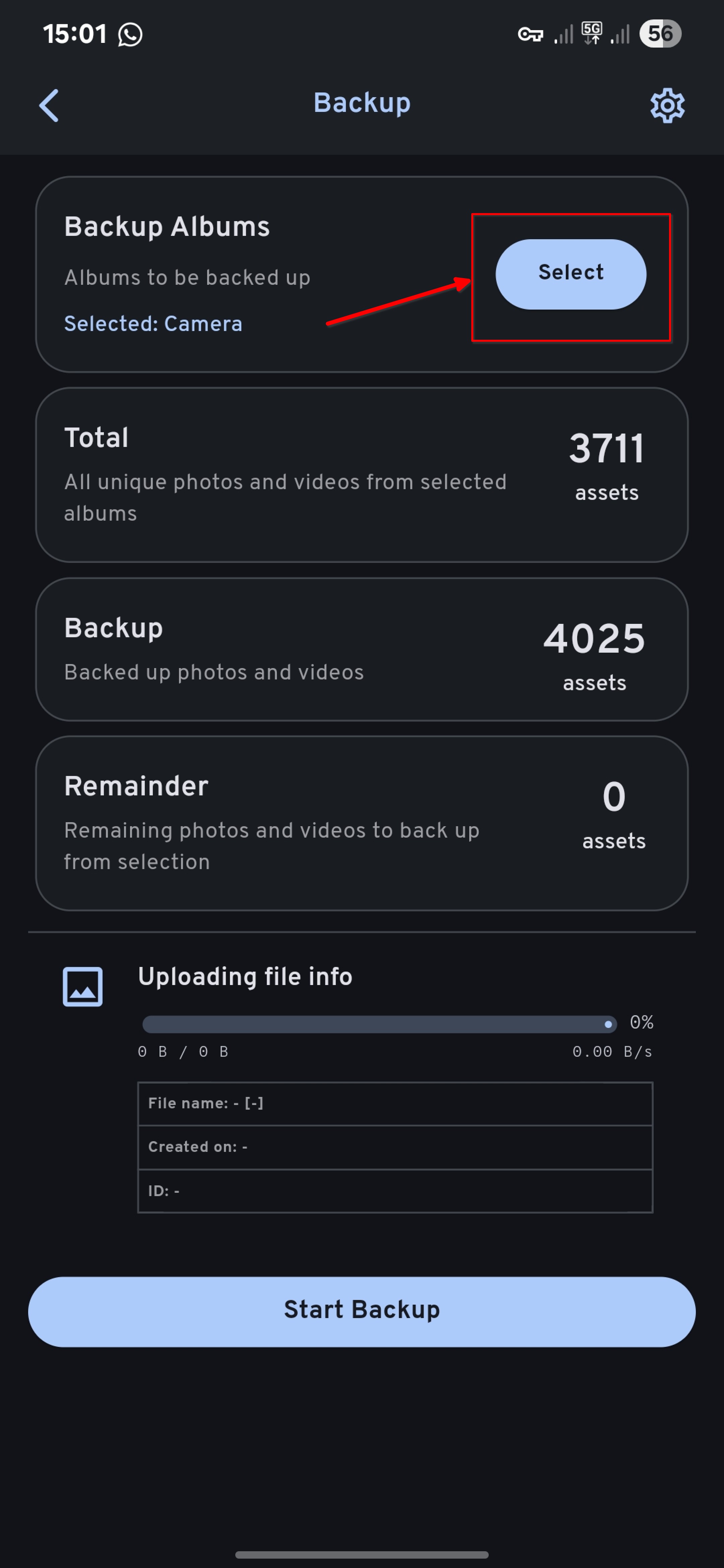
Troubleshooting Backup Options
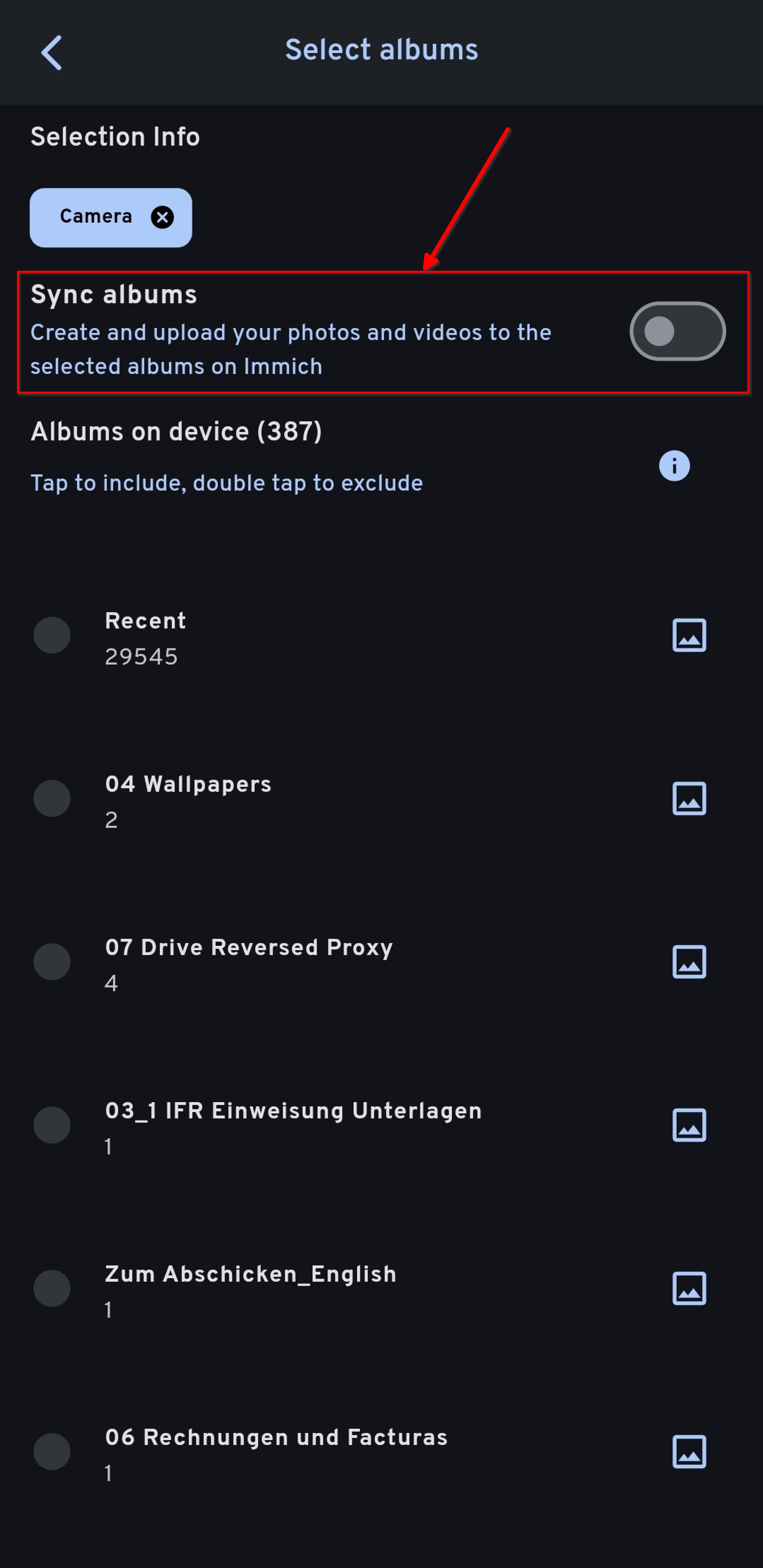
Understanding "Sync albums" option
From the official Immich Docs:
"You can sync or mirror an album from your phone to the Immich server on your account. For example, if you select Recents, Camera and Videos album for backup, the corresponding album with the same name will be created on the server. Once the assets from those albums are uploaded, they will be put into the target albums automatically."
Furthermore:
- Synchronization is one-way, from the device to the server.
- If an album on the server has the same name as the album on the device, images from the device will be merged with the existing images in the server album.
Be careful! If you enable the "Sync Option", any changes made on the Server (e.g. deleting a photo) will not only be synced with your Immich app on your phone but also with the stock photos App on your phone (e.g. Samsung Galery, Apple Photos).
If you don't want to keep the Immich Cloud Server and your local copy in a two-way synchronization, disable the Sync Option.
You can enable / disable the "Sync albums" option in the mobile App in the backup settings.