
Login to Home Assistant
Download the App
You can find the Home Assistant App in your App Store of choice.
Click here for Android, and here for iOS (iPhone / iPad).
If the App asks you to allow it to look for devices in your local network, click allow!
Log in
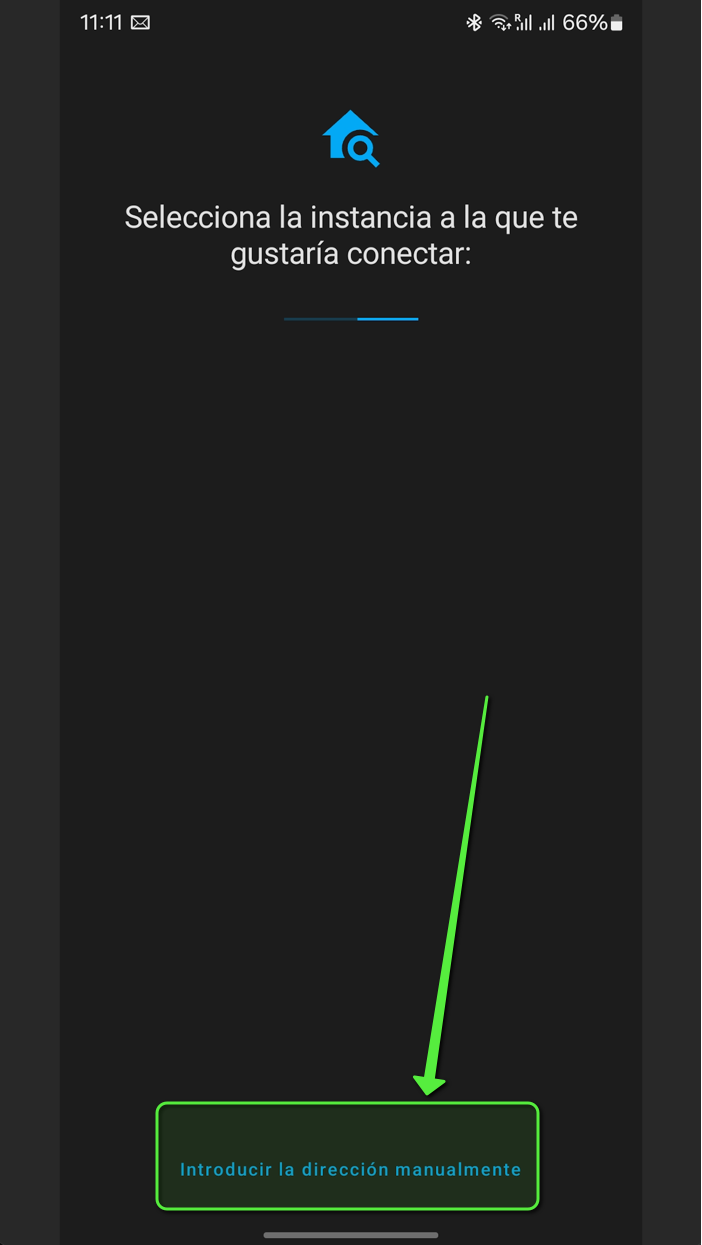
To log in with your credentials, open the App and select the option to specify the URL manually:
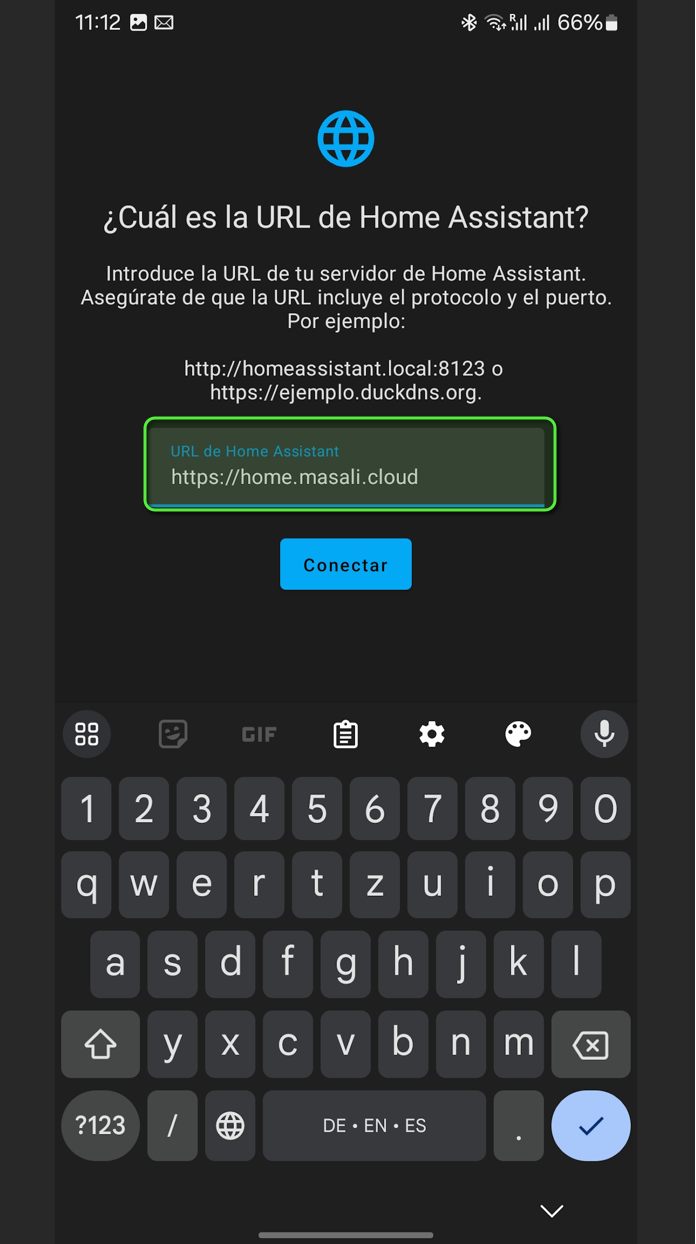
Then, specify the URL as "https://home.masali.cloud":
If you want to log in only locally, use: "http://192.168.178.112:8123"
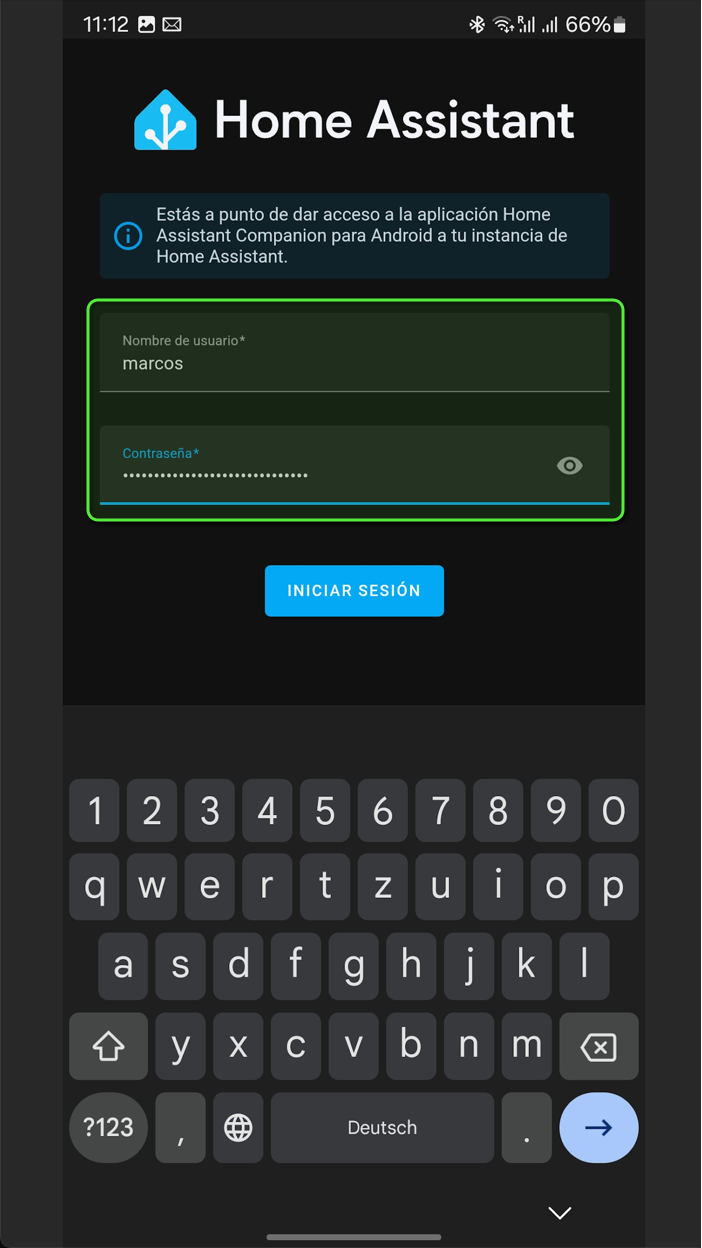
Log in with your credentials:
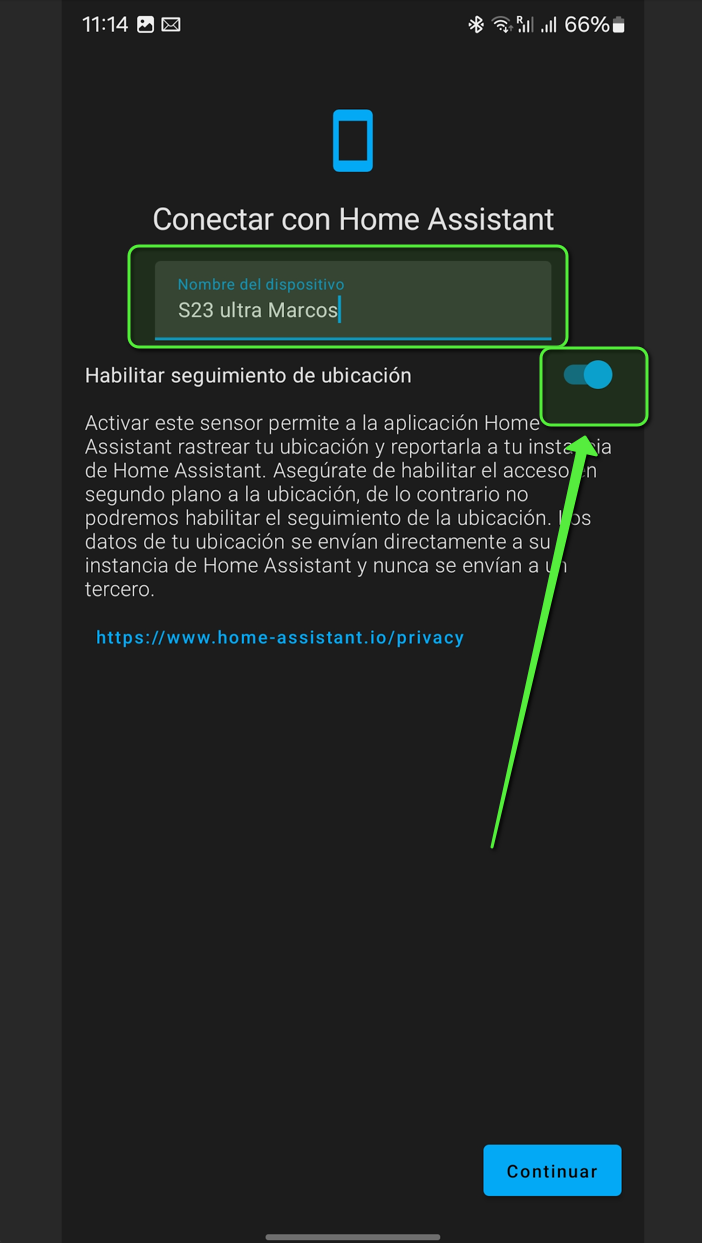
Then, name your device and allow the Home Assistant App to follow your locations to enable location tracking features:
 Now you are logged into Home Assistant.
Access Home Assistant trough your browser
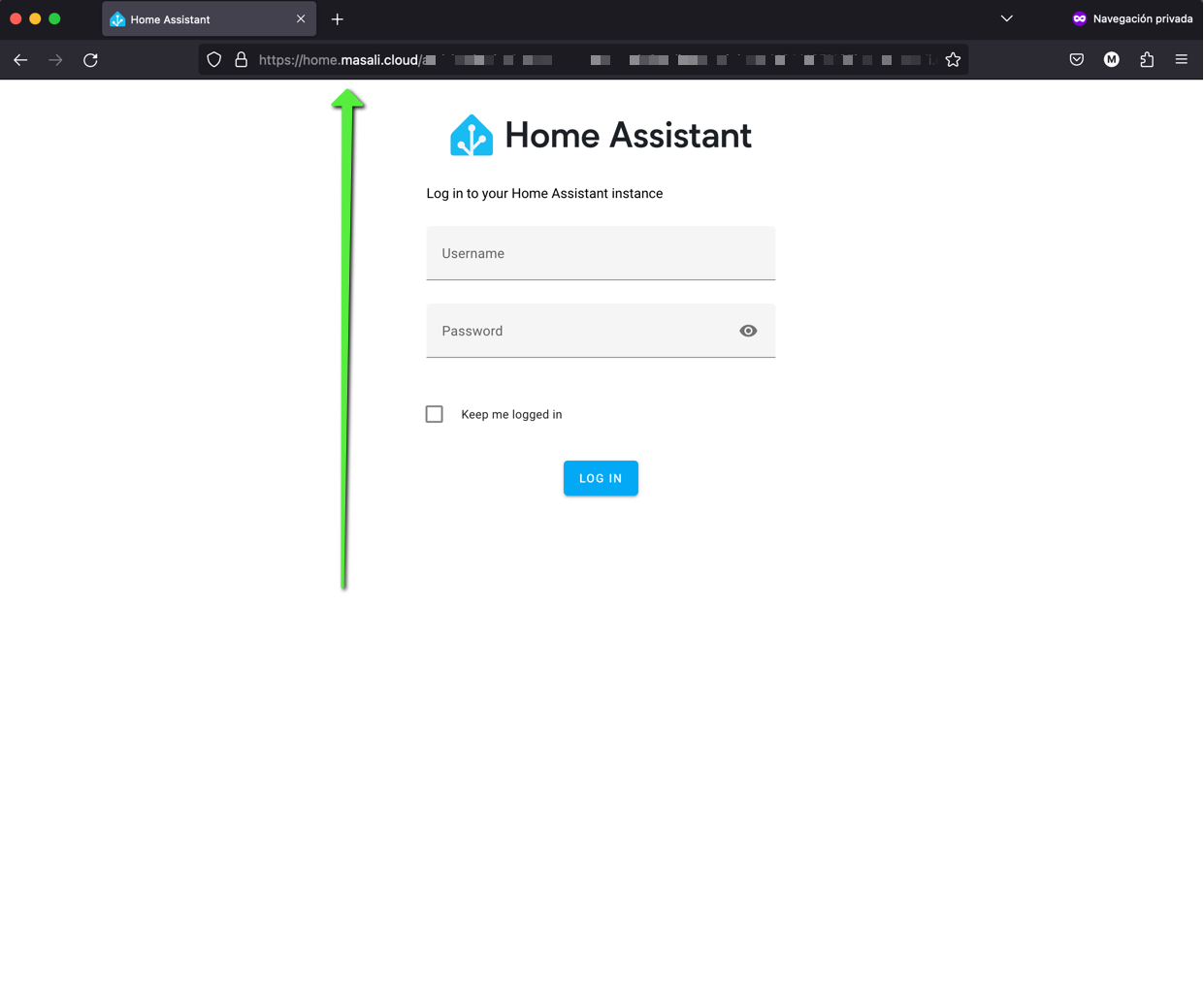
To access it trough the browser, simply open the URL home.masali.cloud and log in with your credentials.
No comments to display
No comments to display